Play a real two-deck set in your browser
Drop in your music files and mix them yourself, or let Auto-mix run the night. The laser show reads the decks directly, so the lights land on the beat and the drop hits on the drop.
Open the show, then press Be the DJ under More ways to play. Chrome or Edge on a laptop.
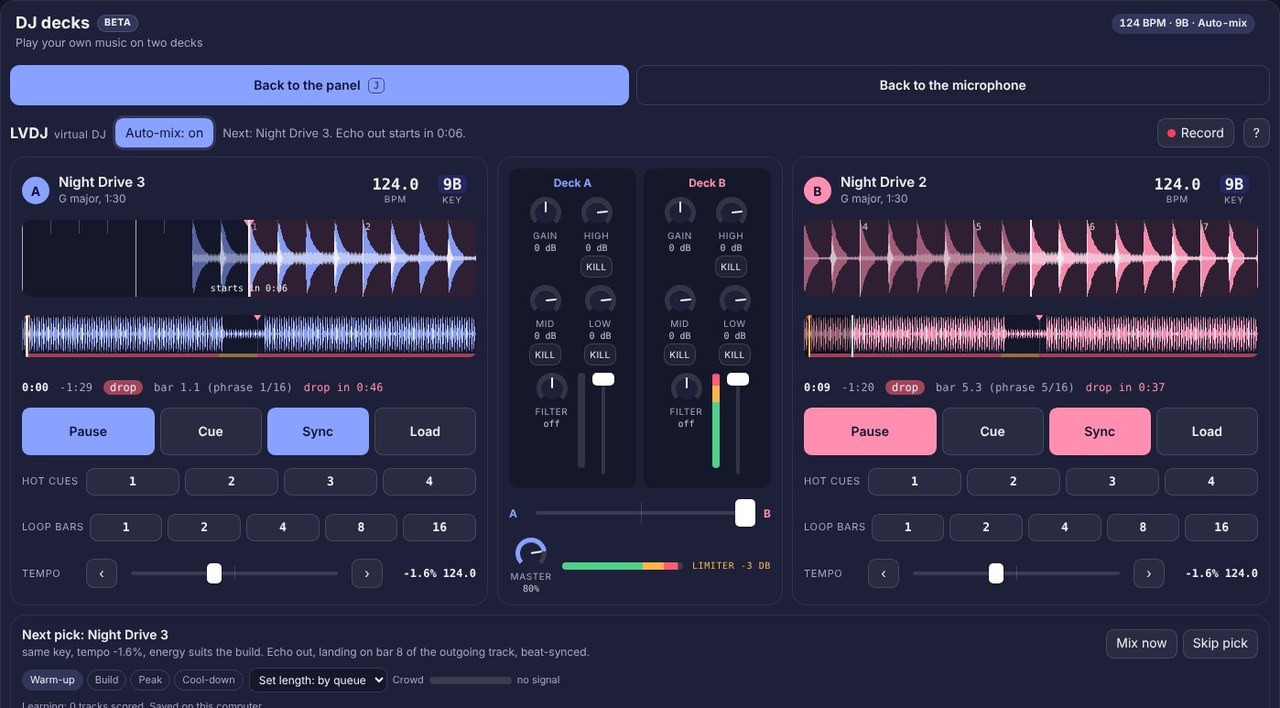
Everything a set needs, nothing to install
Two decks and a mixer
Waveforms with bars and phrases, BPM and key on each deck, cue and sync, four hot cues, loops from 1 to 16 bars and a tempo slider. Gain, a three-band EQ with kills and a filter on each channel, a crossfader and a master limiter.
Auto-mix that thinks like a DJ
Auto-mix reads every track for its tempo, key, energy and drops. It picks the next track in a matching key and a similar tempo, and mixes on the phrase with a blend, a filter, an echo or a cut.
Shape the night
Tell Auto-mix where the set is going: Warm-up, Build, Peak or Cool-down, and how long the set should run. Take over at any time with Mix now or Skip pick.
Lights locked to your mix
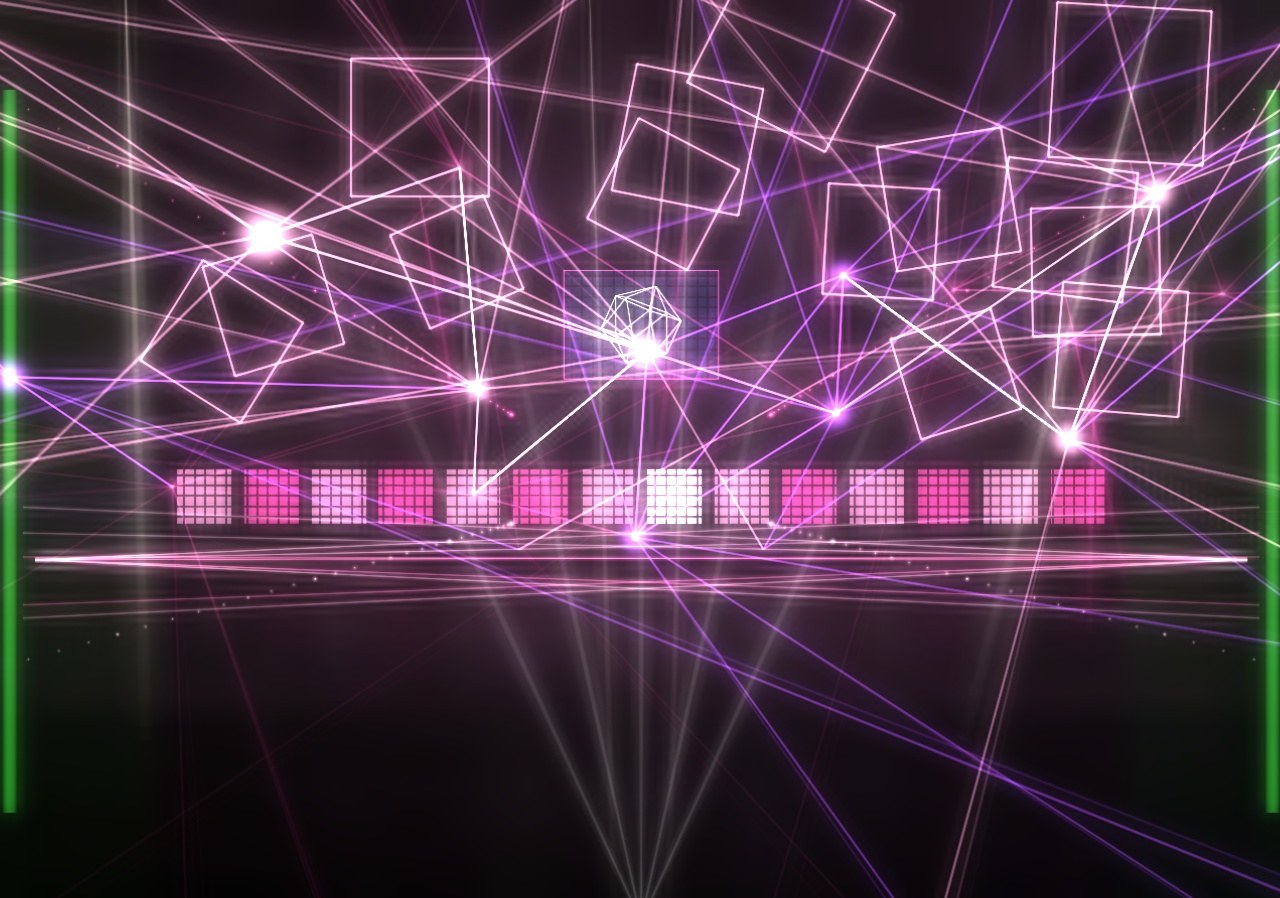
The show takes the tempo and the beat straight from the master deck. The lasers move on the bar, the room goes dark before the drop and the full rig fires on the hit.
Full screen for the booth
Put the decks on the whole screen while you mix, then one tap takes you back to the show and its controls.
Your tracks stay yours
The decks play files from your own computer: MP3, WAV, AAC, OGG and FLAC, if your browser can play them. Nothing is uploaded. Free music, if you start it, streams tracks by independent artists from Audius.
From laptop to dance floor in three steps
Open the show
Go to laservisualizer.com in Chrome or Edge on a laptop, and connect it to the TV or projector and the speakers.
Press Be the DJ
Under More ways to play, press Be the DJ and add your tracks to the queue or load one on each deck.
Mix, or let Auto-mix play
Mix it yourself, or switch Auto-mix on and dance. The lights follow the mix either way.
For house parties, new DJs and working DJs
House parties
Load a playlist, switch on Auto-mix and the party mixes itself, with a light show on the wall.
Learning to DJ
See the beats, bars and phrases on the waveforms, practise with sync and loops, and hear how Auto-mix brings each track in.
Working DJs
Warm up a room on a laptop, or use the decks as a backup, with the lights following every mix.
Pair it with the DJ Cockpit
Watch the tempo, the energy and the dance floor live on your phone while you play.
See the DJ CockpitFree to try
The DJ decks are part of LaserVisualizer: free for 90 minutes of show a day, 180 when you sign up free. A pass or plan gives longer parties.
See passes and plansDJ Decks questions
Do I need DJ software or a controller?
No. The decks run in Chrome or Edge on a laptop, with the mouse and the keyboard. There is nothing to download or install.
What music files can I use?
Your own audio files: MP3, WAV, AAC, OGG and FLAC all work if your browser can play them. Streaming services cannot play on the decks; the show can still follow them through Music on this computer.
Are my tracks uploaded anywhere?
Only if you save them to My music cloud, which is private to your account. Otherwise the tracks play from your computer. To help our Auto DJ learn which songs lift a crowd, the show keeps each track's title and artist from its file name, and figures that describe its sound (tempo, key and energy), but never the sound itself.
How does Auto-mix choose the next track?
It picks a track in a matching key and a similar tempo that fits where the set is going, then mixes it in on a phrase boundary so the change lands on the bar.
Is it free?
Yes, for 90 minutes of show a day, or 180 when you sign up free. A pass or plan gives unlimited time for longer parties.
Your next set starts in under a minute
Open the show, press Be the DJ and drop in your tracks.
Start the DJ decks